Difficulty
Moderate
Steps
15
Time Required
- 3. Hardware Assembly 15 steps

In Progress
This guide is currently being written. Reload periodically to see the latest changes.

User-Contributed Guide
This guide is not managed by the site's staff.

Private
This guide will not appear in search results and can only be viewed by team members!
Quiz
0
Introduction
This guide walks through the assembly of the PanelDue and Duet 3 Mini 5+ with its case. Remove your old controller board/case and LCD before starting this guide.
You can find the necessary hardware for this guide in our BOM, here. The printed parts are located here.
-
-
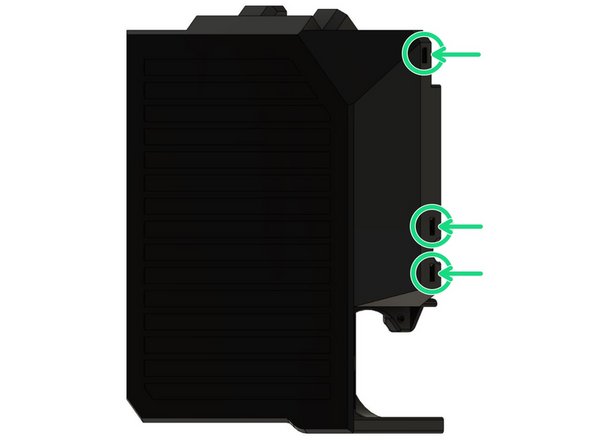
Insert 3x M3 square nuts in duet_cover_back.
-
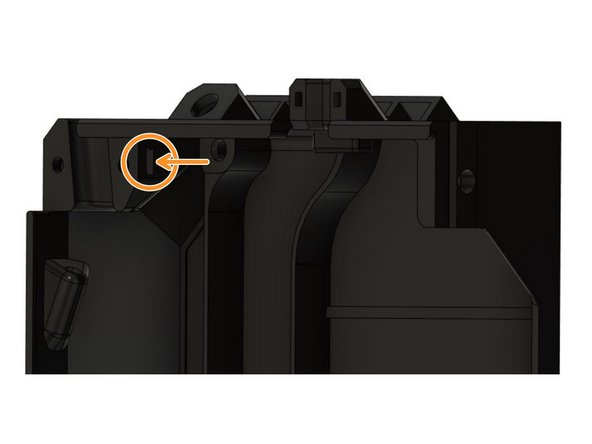
Insert one more M3 square nut on the inside of the case.
-
Make sure to fully insert the nuts!
-
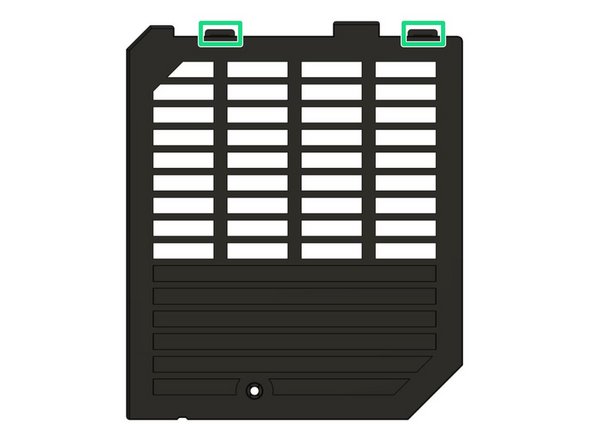
Remove both printed supports from the tabs on duet_cover_lid.
-
-
-
If you have the Ethernet Version of the Duet 3 Mini 5+ you can skip this step.
-
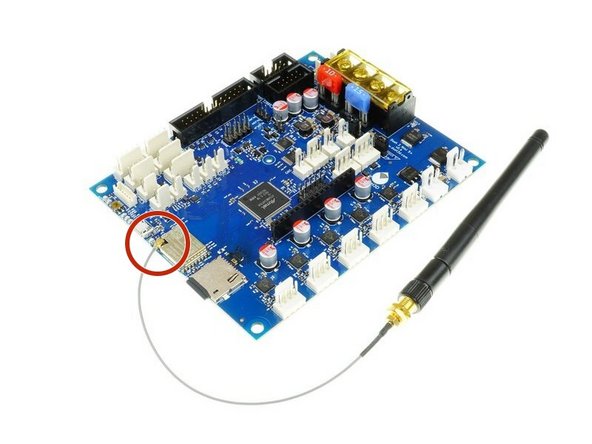
Be careful when handling the antenna, especially the connection with the board is very sensitive and you should avoid putting any strain on it.
-
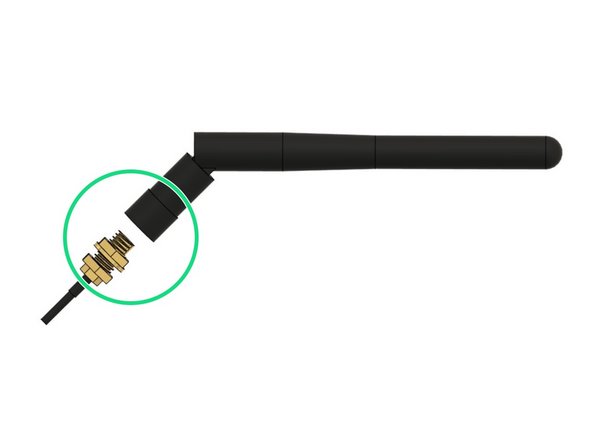
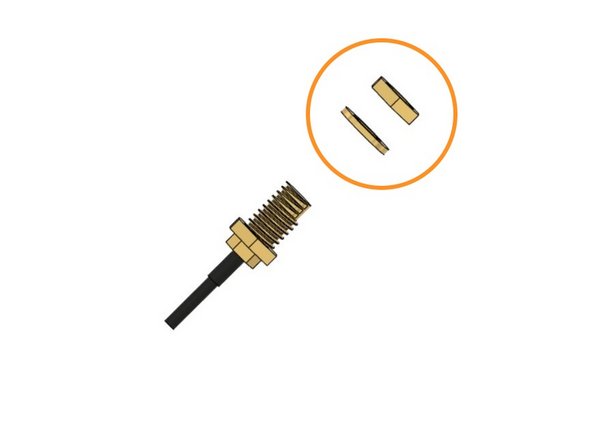
Unscrew the antenna carefully from the wire and keep it in a place where you will find it again. You can keep the antenna connected to the board.
-
Remove the golden nut and washer from the thread as well and keep them in a place where you will find them again. They will be used to secure the antenna to the board case in a later step.
-
-
-
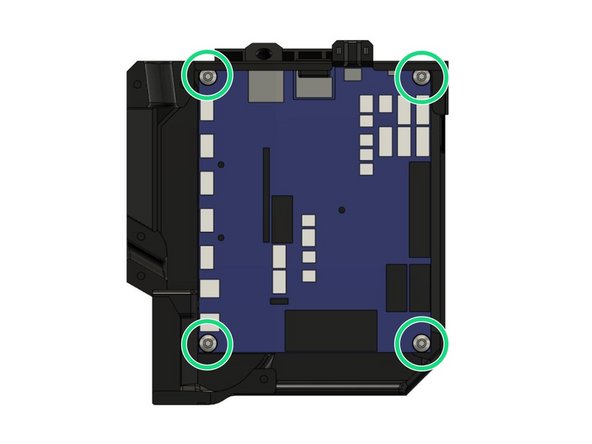
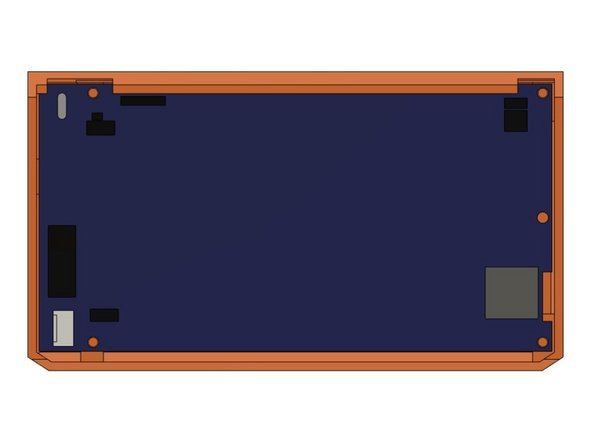
Secure the board in duet_cover_back with 4x M4x10mm screws. Be careful not to over-tighten the screws as this might damage the board.
-
Make sure to use the washers that Duet3D includes with the Mini 5+ between the screw head and the board. Like this you avoid damaging any solder points when tightening the screws.
-
-
-
If you have the Ethernet version of the Duet 3 Mini 5+ you can skip this step.
-
Be careful when handling the antenna, especially the connection with the board is very sensitive and you should avoid putting any strain on it.
-
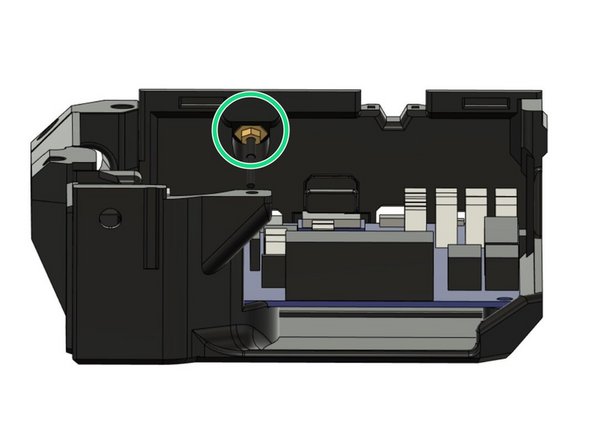
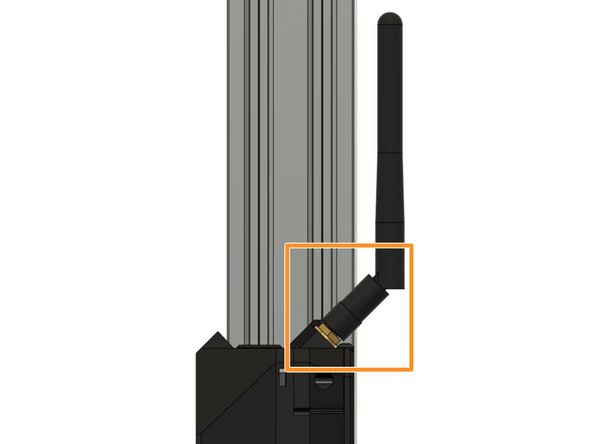
The connection between antenna and the board is designed at an angle to optimize the wire position of the antenna which avoids unnecessary strain on the wire and board connection.
-
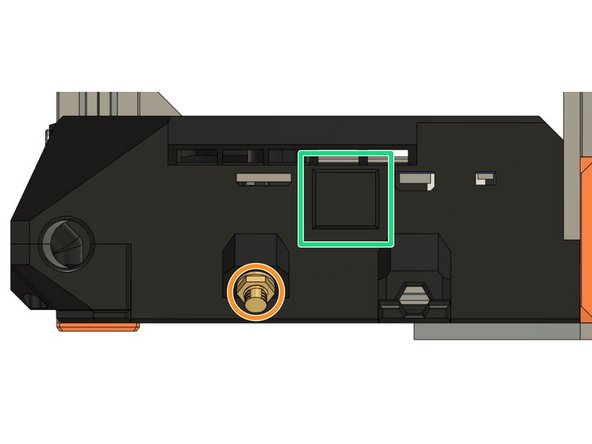
Insert the hex nut end of the antenna wire into the its pocket on the case.
-
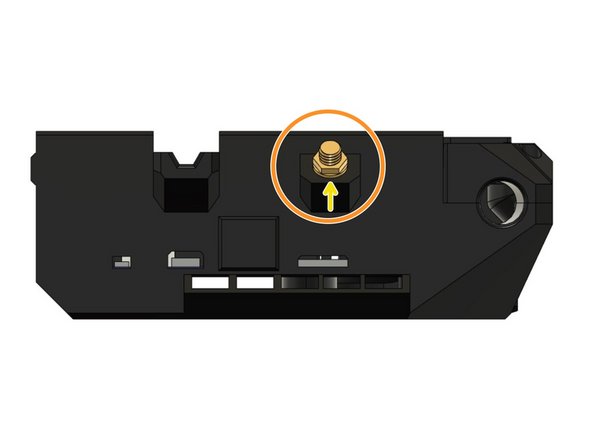
Secure the wire to the case by screwing the included hex nut to the outside of the case until it is secured firmly.
-
Make sure to use the locking washer between the case and the hex nut.
-
-
-
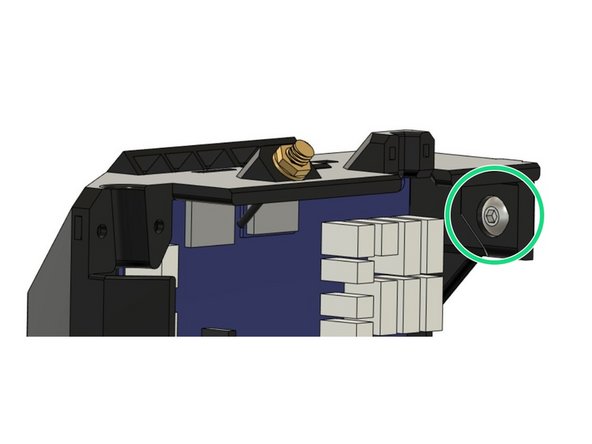
Insert a M5x8mm screw into the pocket on the top of the case. We will use this screw to secure the case to the Z extrusion on the frame.
-
Loosely thread a T-nut onto the screw from the outside of the case. Do not tighten the T-nut to the case, as we will slide the T-nut into the Z extrusion on the frame.
-
-
-
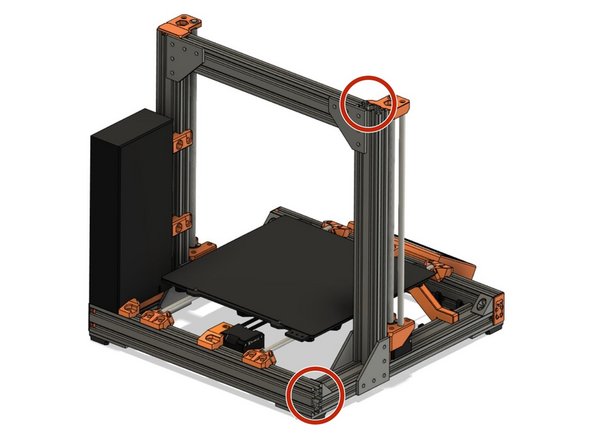
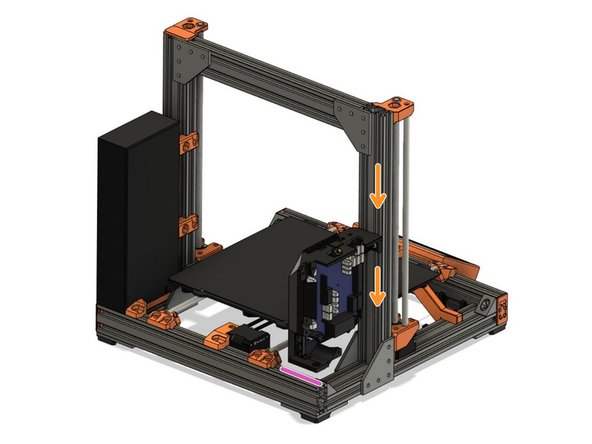
Remove the Z end cap on the left Z extrusion and on the left end of the back XY-frame extrusion (left when standing in front of the printer) .
-
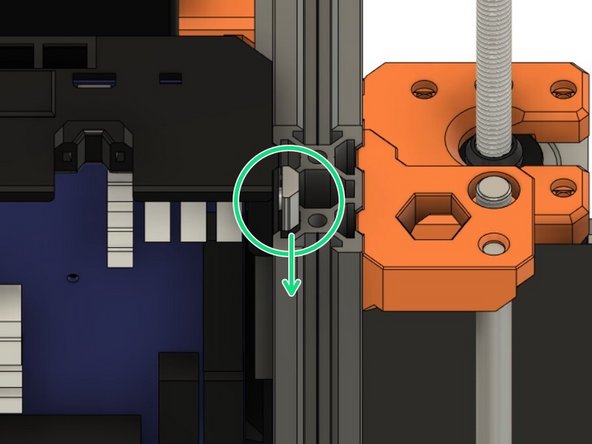
Slide the T-nut into the outside slot on the backside of the left Z extrusion.
-
Slide the case down together with the inserted T-nut.
-
Until the bottom of the case touches the top surface of the extrusion on the back of the XY-frame.
-
Do not tighten the screw yet.
-
-
-
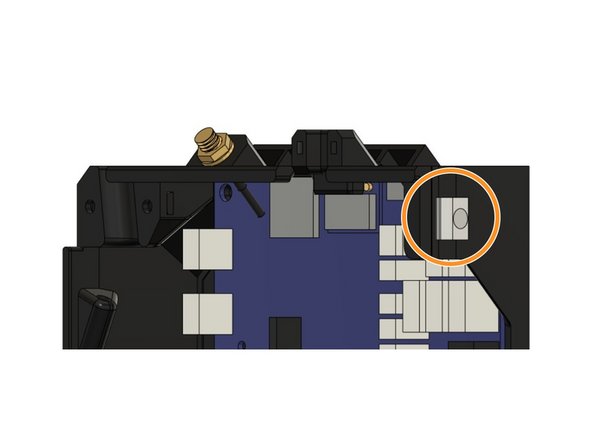
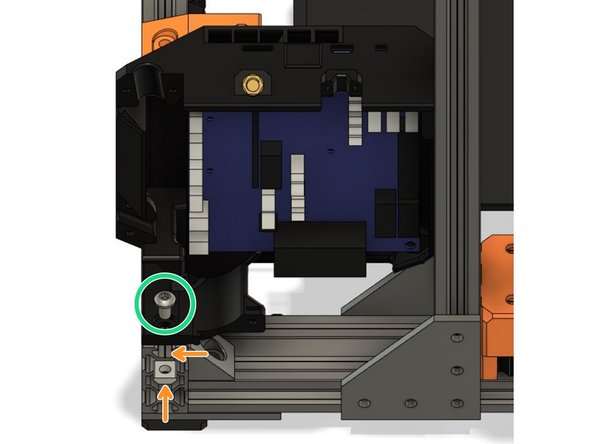
Insert a M5x8mm screw in the pocket where the case sits on the back extrusion of the XY frame.
-
Insert a T-nut in the top slot of the extrusion and attach it to the screw we have just inserted. Do not tighten the screw yet.
-
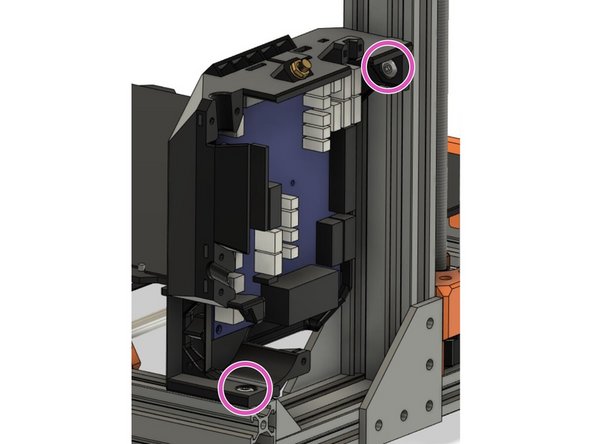
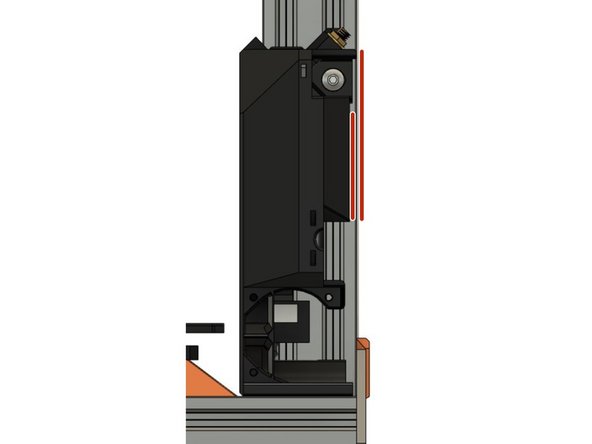
Tighten both screws that attach the case to the frame firmly.
-
Secure the case parallel to the Z extrusion.
-
-
-
Re-attach the end caps on both the left Z extrusions and the extrusion on the back of the XY-frame.
-
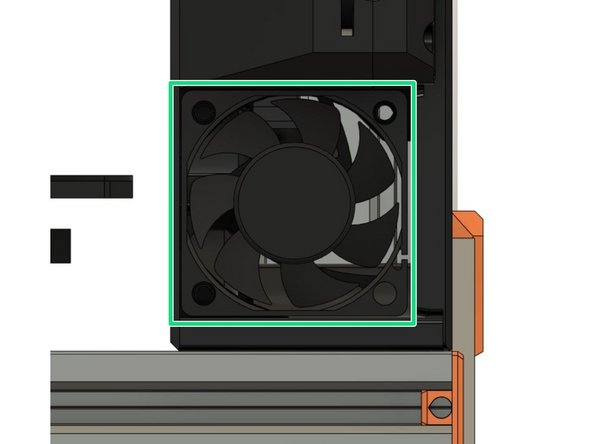
Insert the Noctua 5V fan that came with your stock MK3.
-
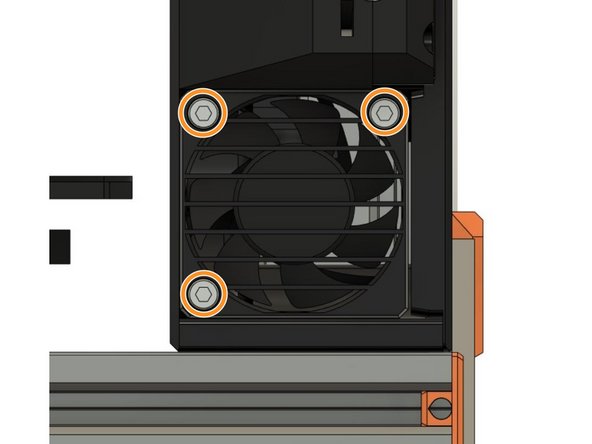
Attach the Noctua fan and the board_fan_grill to the case with 3x M3x18mm screws.
-
Do not over-tighten the screws as this will damage the fan.
-
-
-
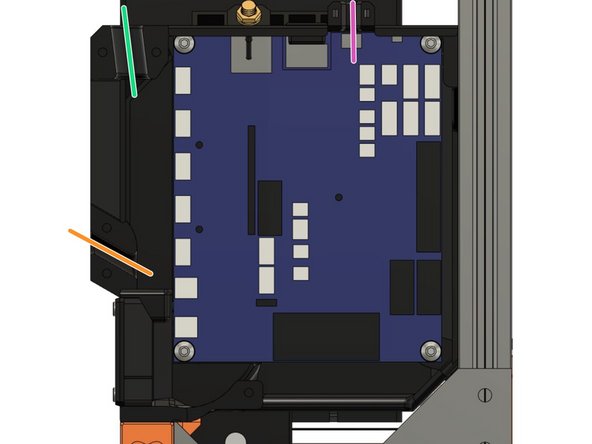
The extruder wire bundle will be entering the case on the top left opening.
-
The heated bed wire bundle will be entering the case on the bottom left opening.
-
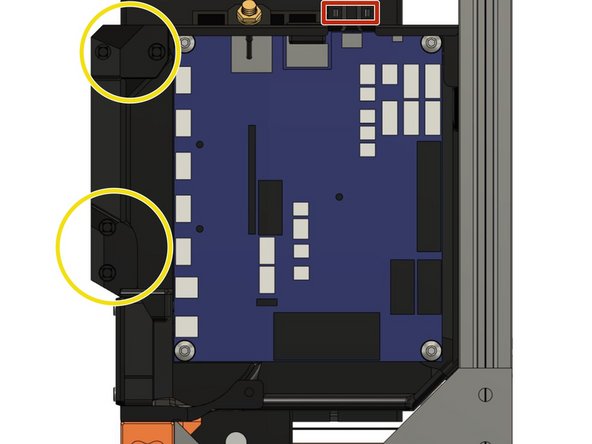
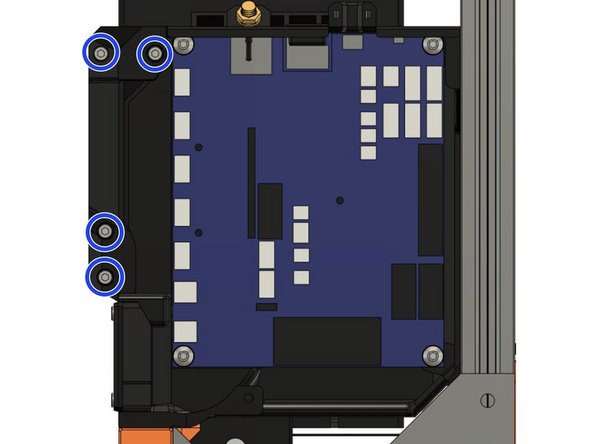
Both the extruder wire bundle and the heated bed wire bundle will be secured with the cable_clip_extruder and the cable_clip_bed (picture 2).
-
Secure both cable clips with 4x M3x10mm screws (picture 3).
-
The X-axis motor wire will be entering the case on the top right opening.
-
The X-axis motor wire will be fixed with a zip tie (picture 2).
-
-
-
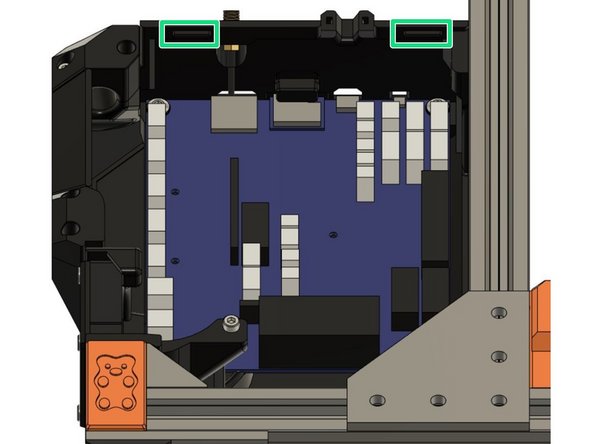
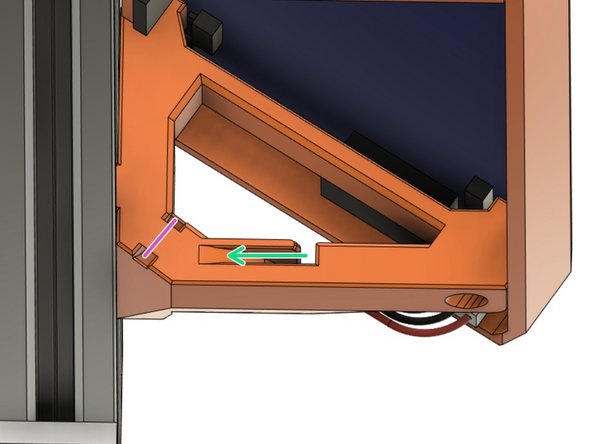
To mount the lid on the case we will insert the two tabs on the duet_cover_lid into the slots on the duet_cover_back.
-
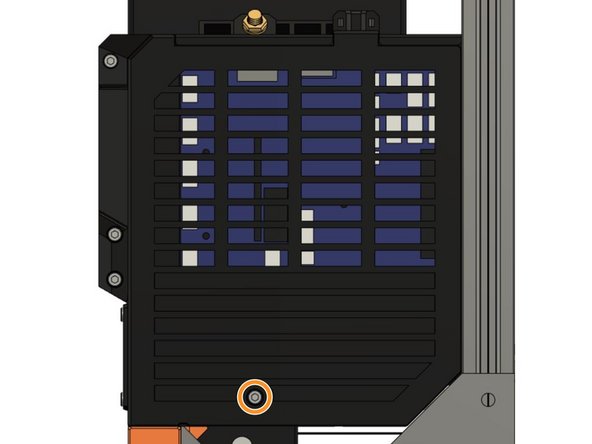
Then secure the lid to the case with 1x M3x10mm screw.
-
-
-
WiFi Only: If you have the WiFi version of the Duet 3 Mini 5+ you secured the antenna wire earlier in this guide.
-
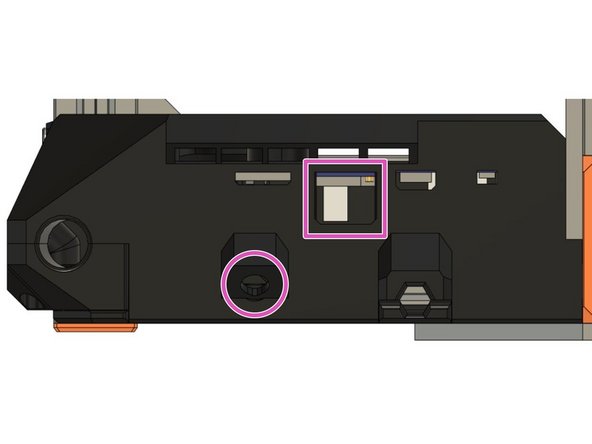
You can cover the cut-out for the ethernet connector with rj45_cap.
-
Screw the antenna to the thread pointing out of the case. We recommend to angle the antenna as shown in picture 2 to avoid damaging it while working on the printer later.
-
Ethernet Only: If you have the Ethernet version of the Duet 3 Mini 5+ you did skip the steps to attach the antenna wire earlier.
-
There will be no thread sticking out of the board as we will not be attaching an antenna to the board. Leave the rj45_cap off the case as the cut-out will allow you to attach an ethernet wire to the board.
-
-
-
Insert the PanelDue into cover_paneldue_5in, facing down on the table.
-
Add lcd_support_left and lcd_support_right.
-
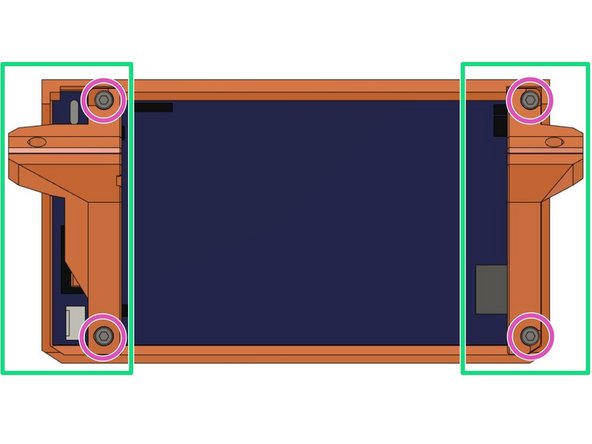
Attach the PanelDue and its supports to the case with 4x M3x10mm screws.
-
Carefully tighten the screws as over-tightening could cause damage to the PanelDue.
-
-
-
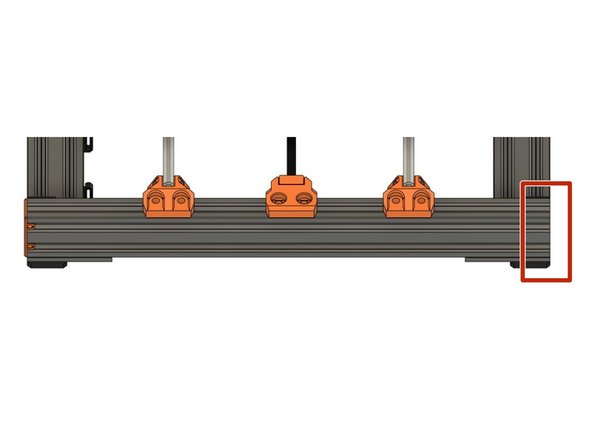
Remove one end cap on the front extrusion of the XY-frame.
-
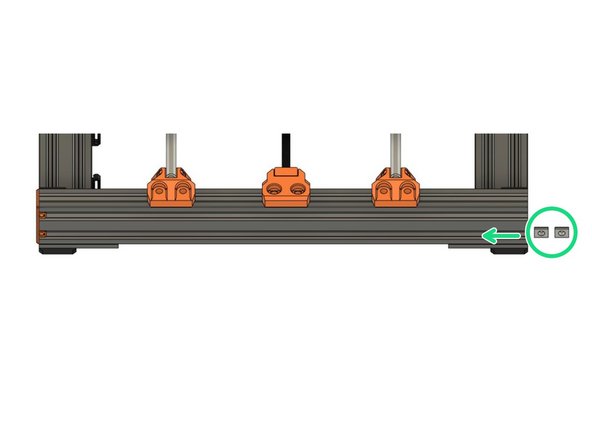
Insert two t-nuts in the bottom slot where we have removed the end cap.
-
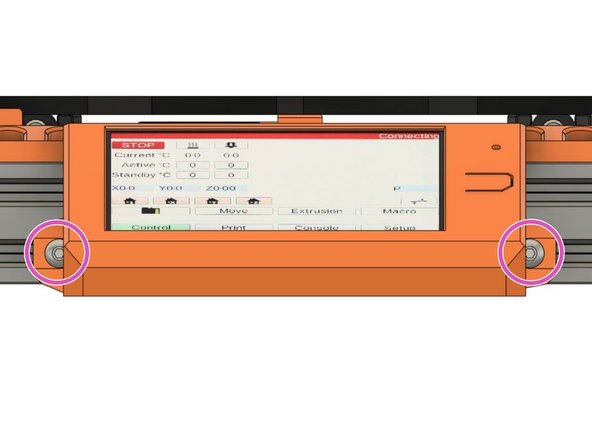
Secure the PanelDue to the extrusion via the LCD supports with 2x M5x10mm screws.
-
-
-
You can now re-add the end cap you removed earlier.
-
When plugging the wire into the PanelDue, you can route it through the channel in the right support.
-
Fix the wire to the support with a zip tie. This will avid unnecessary strain on the wire/connector when moving the printer around later.
-
Be careful not to pull the zip tie too tight as this could damage the wire!
-
-
-
Congratulations you have assembled the necessary hardware for your Duet Bear! You can proceed to the Wiring Instructions.
-