Difficulty
Difficult
Steps
15
Time Required
- 3. Y axis frame 15 steps

In Progress
This guide is currently being written. Reload periodically to see the latest changes.

Private
This guide will not appear in search results and can only be viewed by team members!
Quiz
0
-
-
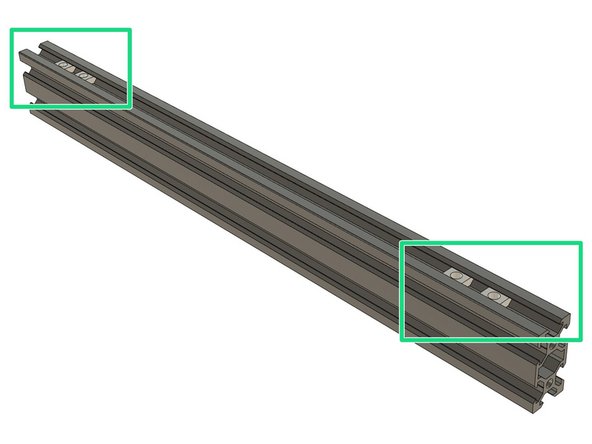
We are using t-nuts to bolt parts and plates on the extrusions. Those t-nuts are slide inside the extrusion.
-
Bear Upgrade 2.1 comes with custom t-nuts that can be inserted in only one direction.
-
If you use Openbuilds hardware or other kits your t-nuts needs to be inserted in a certain orientation.
-
-
-
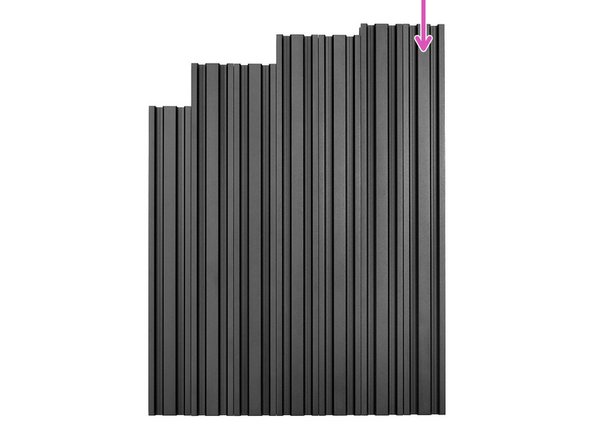
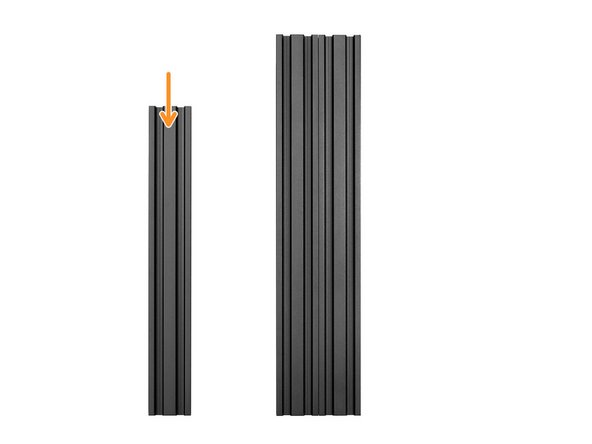
Take one of two longest extrusions. It is 370mm long.
-
On the 20mm face of the extrusion, slide 2x t-nuts on each side (4x t-nuts in total).
-
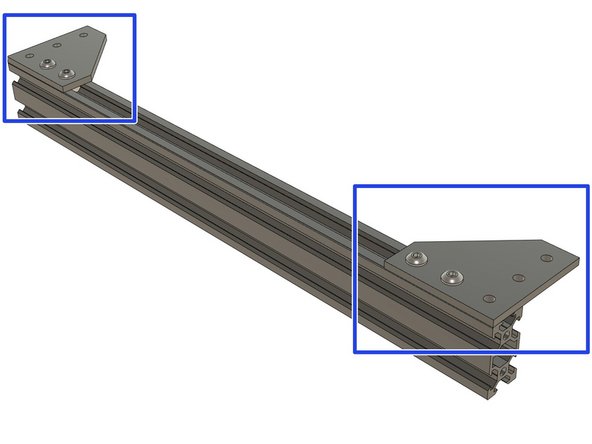
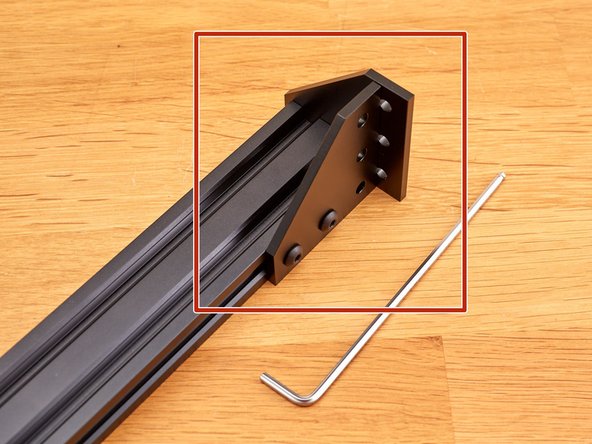
Bolt two plates on the t-nuts using 4 M5x10mm screws. Do not tighten them fully yet.
-
-
-
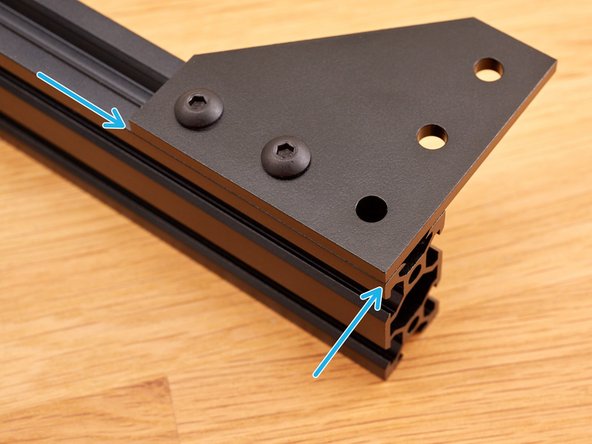
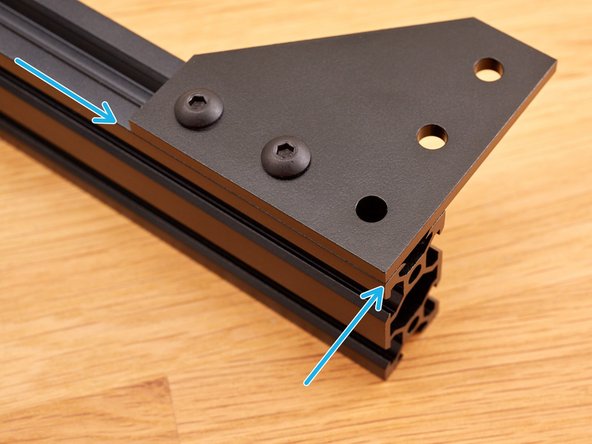
Take your time with this step, the plate needs to be well flushed as it could affect the rest of the assembly.
-
Make sure the plates are flushed with the extrusion and tighten strongly the M5 screws (no more than 4.5Nm if you have a tool to measure).
-
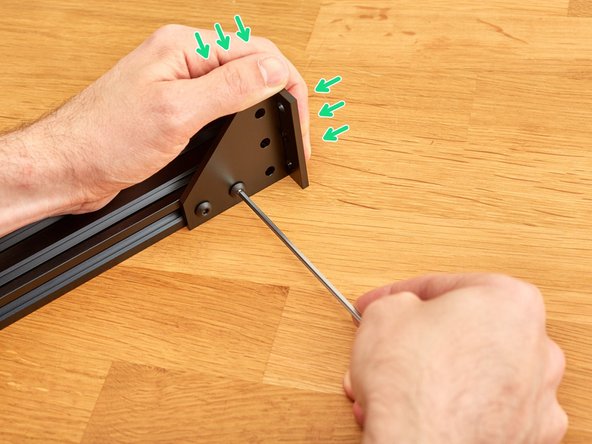
To help aligning the plate while tightening you can use a second plates and a flat surface.
-
Then press the plates against extrusions and the flat surface with one hand and tighten the M5 screws.
-
Repeat this with the plate on the other side of the extrusion.
-
-
-
Take the longest extrusions. It is 370mm long.
-
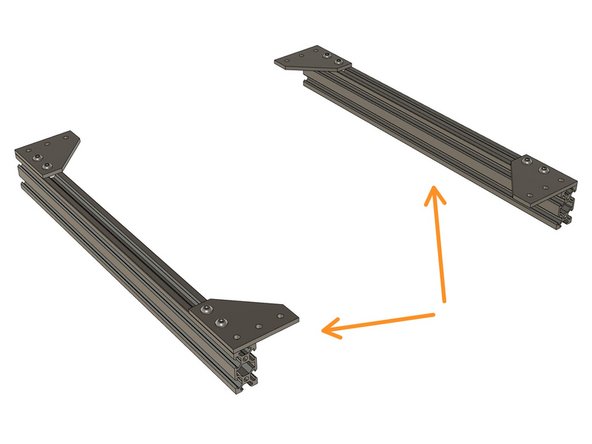
Repeat Step 2 and 3 on this extrusion. You should now have two identical construction.
-
Double check that all your plates are correctly flushed with the extrusion as it could affect the rest of the assembly.
-
Verify that both extrusions are 370mm long.
-
-
-
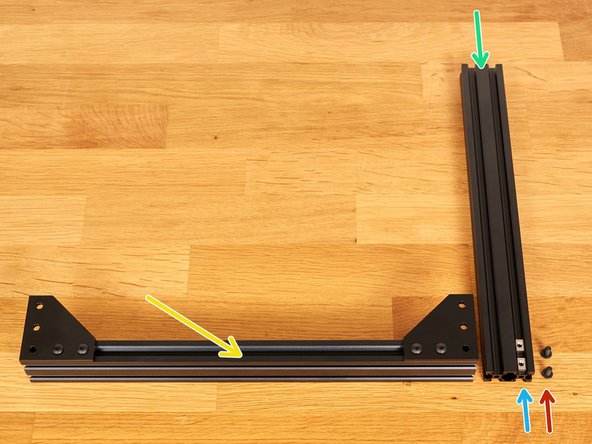
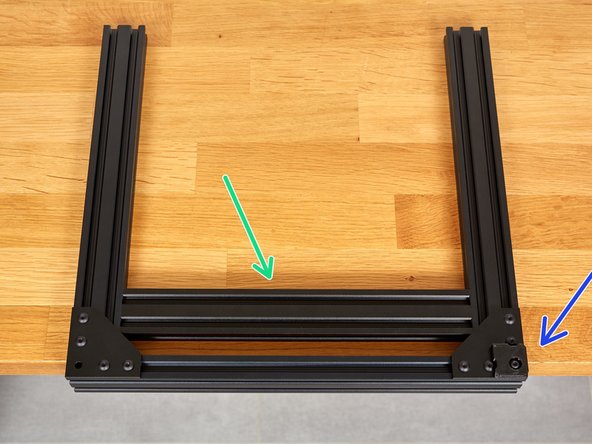
Take one the two middle length extrusions on the pile of not used yet. It is 331mm long.
-
Prepare the following parts:
-
1x previous extrusion and plate assembly
-
2x t-nuts. Slide them in the 331mm extrusion as shown on the picture.
-
2x M5x10 screws
-
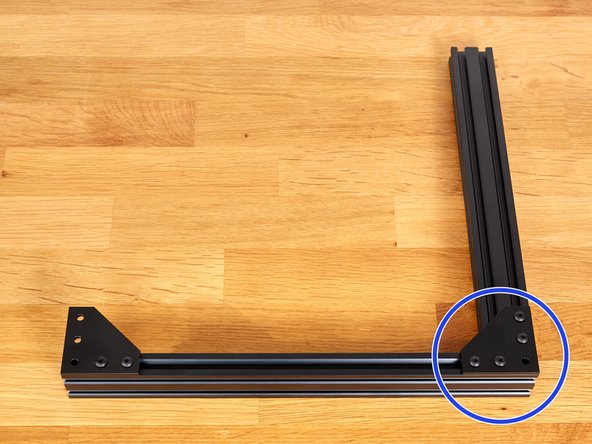
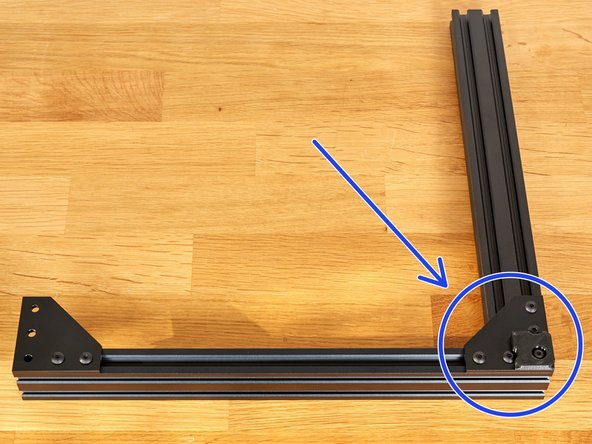
Assemble the corner with the M5 screws. Do not tighten fully yet, it will need some adjustment first.
-
-
-
Take your time for this step, it will be a reference for the rest of the assembly. Ask the help of someone else if you feel the need of a third hand.
-
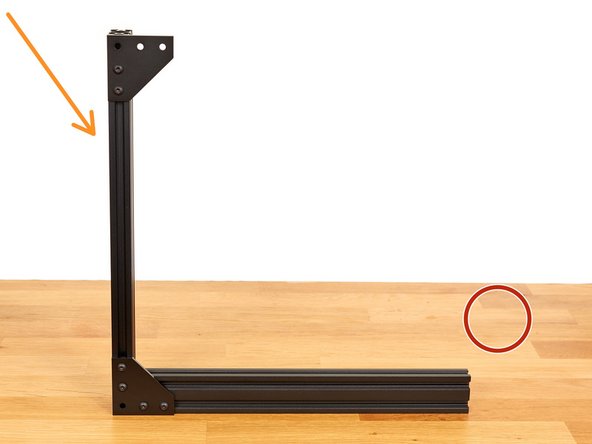
Make sure you are on a flat and plane surface.
-
Place the assembly vertically.
-
Be careful to not let fall down the assembly.
-
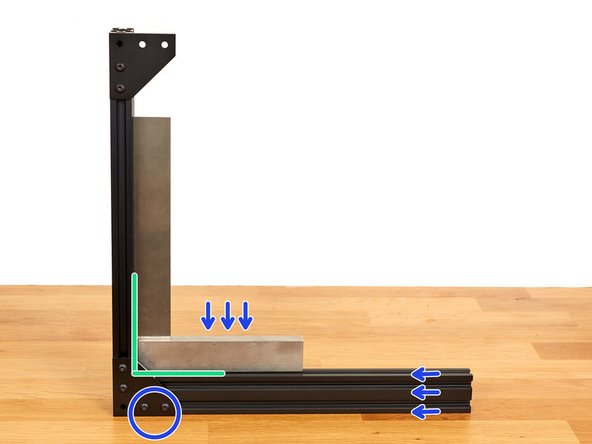
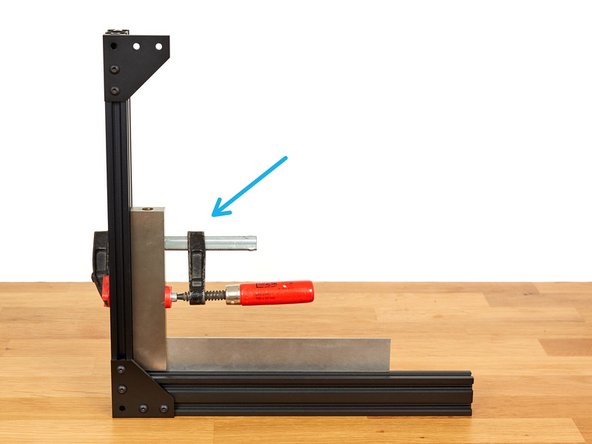
Square the extrusions with a square.
-
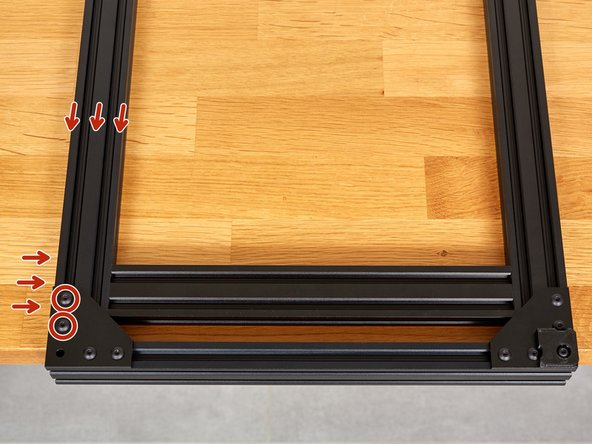
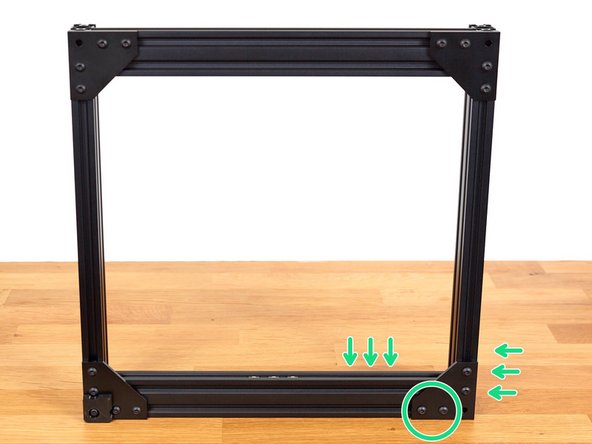
Apply pressure in the directions shown and tighten strongly the two M5x10 screws.
-
This step can be easier if you have a clamp. You can then secure the thicker side of your square to the vertical extrusion as shown in the 3rd image.
-
Verify that the assembly is still square after tightening.
-
-
-
Prepare the following parts:
-
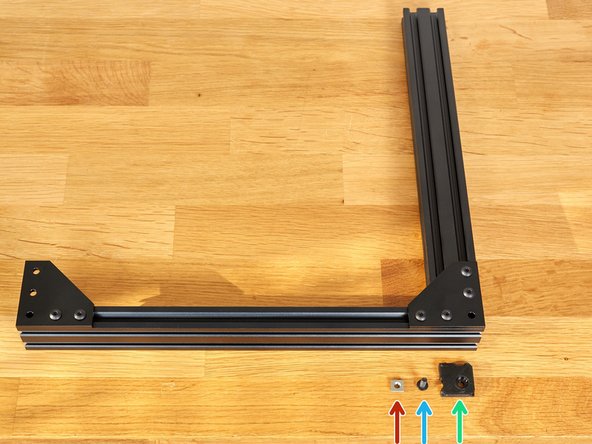
One t-nut.
-
One M5x12 screw
-
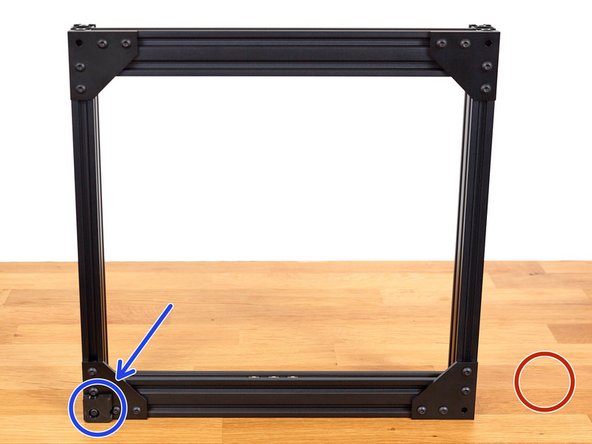
One 3D printed foot (foot.stl)
-
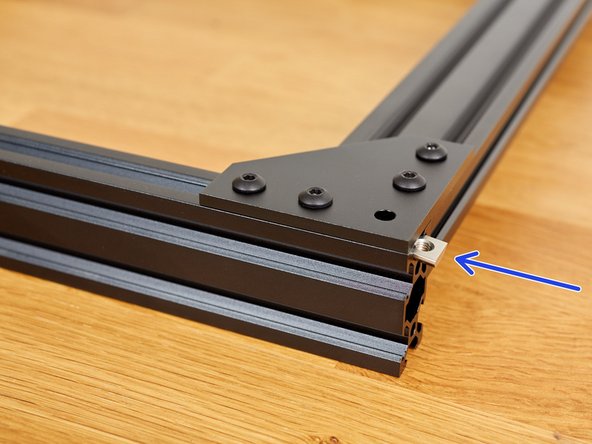
Slide the t-nut from the right side.
-
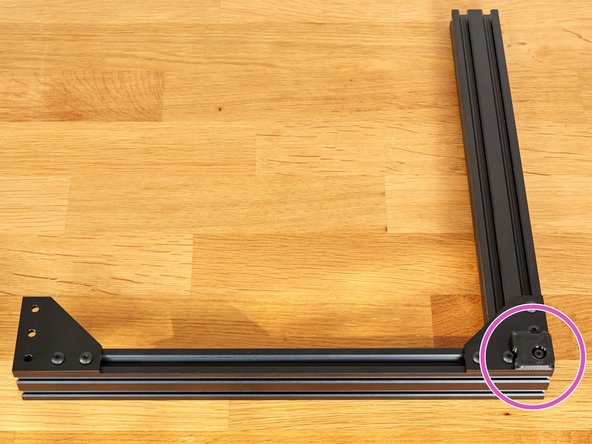
Attach the foot with the M5x12 screw. Tighten strongly.
-
-
-
The corner with the foot is now considered as a reference. In case of doubt during the next steps, you know that this corner is perfectly square and you don't have to touch it anymore.
-
You can double check that the five M5 screws are all strongly tightened. Do not exceed 4.5Nm.
-
-
-
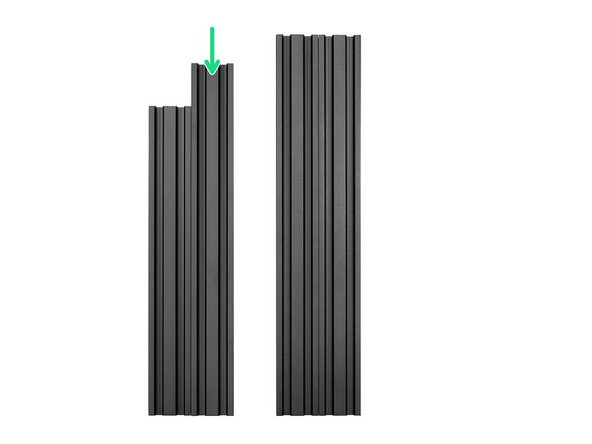
Take one the last middle length extrusions on the pile of not used yet. It is 331mm long.
-
Prepare the following parts:
-
2x M5x10 screws.
-
2x t-nuts. Slide them in the 331mm extrusion as shown on the picture.
-
Assemble the 331mm extrusion with the M5 screws. Do not tighten it fully yet, it need to be able to move a little bit.
-
-
-
Take your time with this step.
-
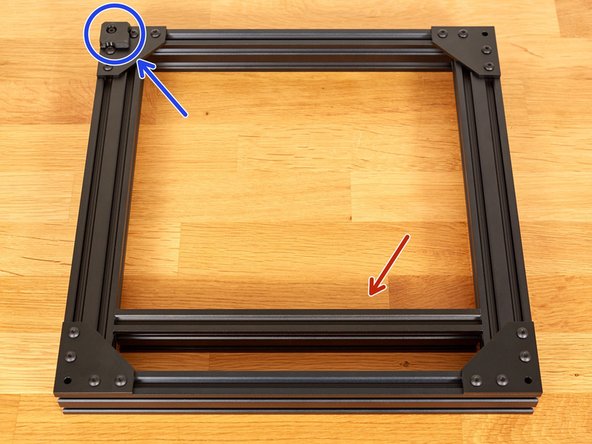
Take one the smallest extrusions on the pile of not used yet. It is 290mm long. It will be used for reference.
-
Place the assembly at the end of a table
-
Carefully insert the 290mm extrusion in between as shown in the 2nd image.
-
Be gentle with the 290mm extrusion or you might mark permanently the assembled extrusions.
-
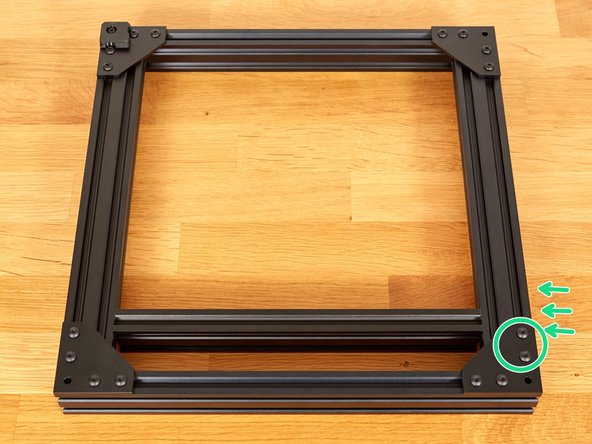
Apply pressure in the directions shown and tighten the two M5x10 screws. To not overtighten them for now, only firmly secure the extrusion. movement of the extrusion.
-
You can now remove the 290mm extrusion carefully and reserve it for later.
-
-
-
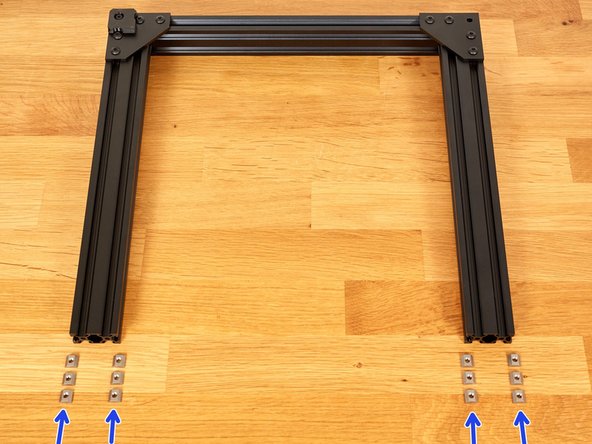
Prepare 12x t-nuts and test them individually with an M5 screw. This is a little tip to avoid having to redo all the hard work of squaring the frame if a t-nut is defective. You can thanks 3DMN for this handy tip :)
-
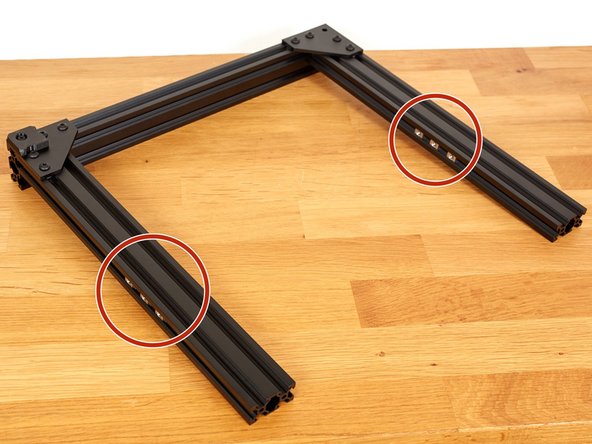
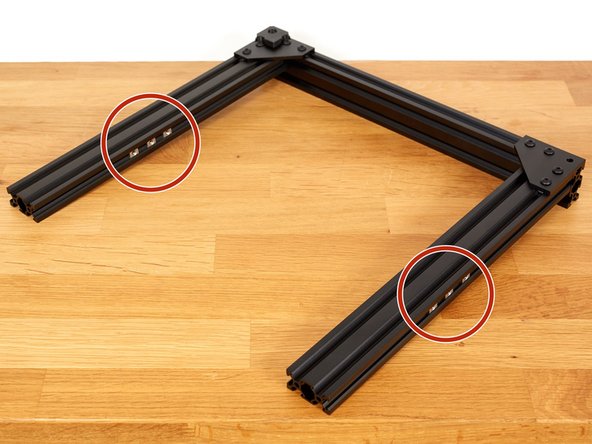
Inserts 3x t-nuts on each side (12x in total) as seen on the 2nd and 3rd picture.
-
-
-
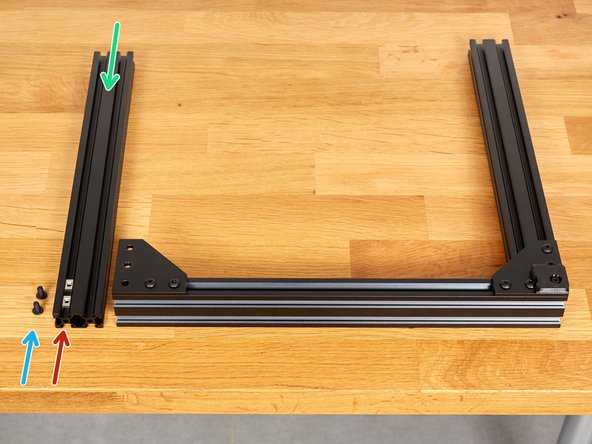
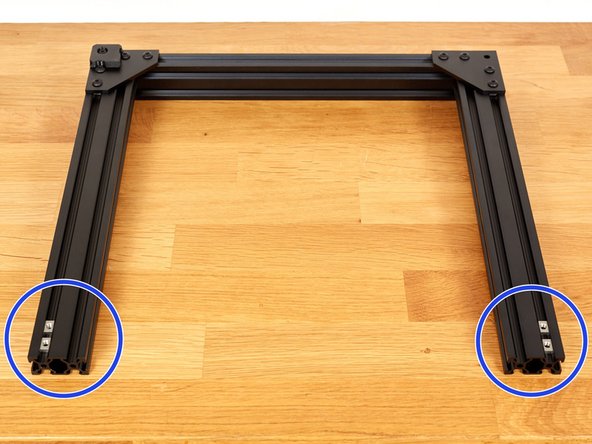
Take 4x t-nuts and slide them as seen on the 1st picture.
-
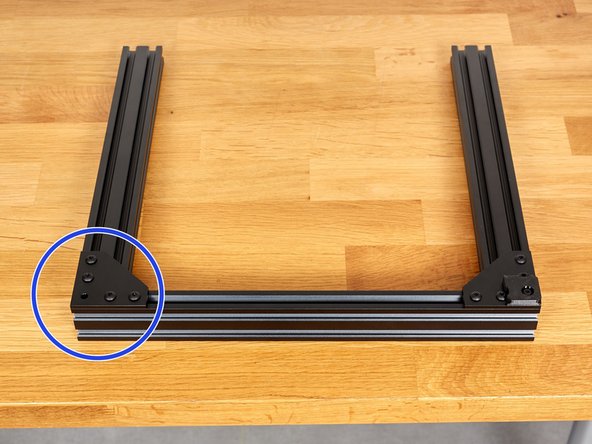
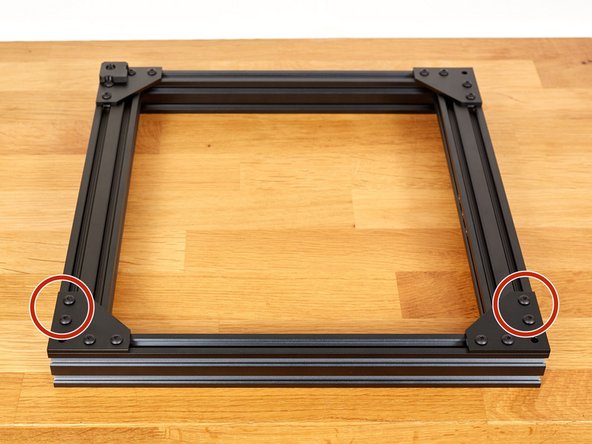
With 4x M5x10, assemble the second 370mm extrusion + plate assembly you have prepared in the beginning of this chapter.
-
Do not tighten them fully yet!
-
-
-
Take your time with this step. Ask the help of someone else if you feel the need of having a third hand (please don't use one of your foot).
-
Move the assembly in vertical position with the 3D printed foot on the bottom left.
-
Make sure you are on a flat and plane surface.
-
Apply pressure in the directions shown and tighten strongly the 2x M5x10 screws.
-
-
-
Take your time with this step. It is the last squaring operation for the base of the frame.
-
Move down the assembly with and position the 3D printed foot on the left and back.
-
Carefully insert the 290mm extrusion in between as shown in the 1st image.
-
Be gentle with the 290mm extrusion or you might mark permanently the assembled extrusions.
-
Apply pressure as shown in the image and tighten the M5 screw strongly.
-
-
-
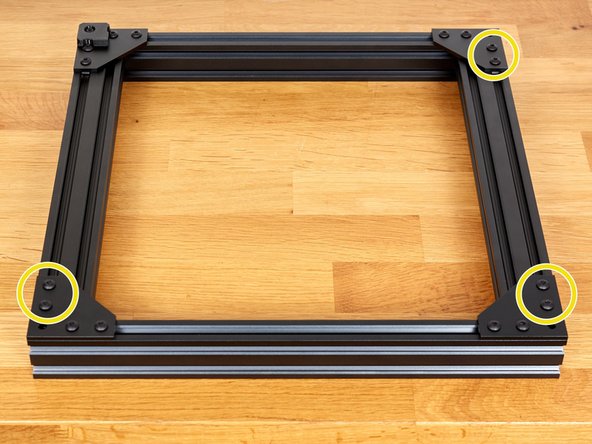
Verify that all the 6 latest M5x10 screws bolted are fully tightened (max 4.5Nm).
-
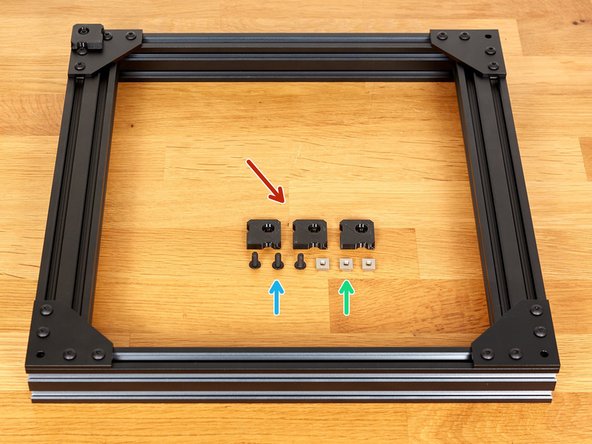
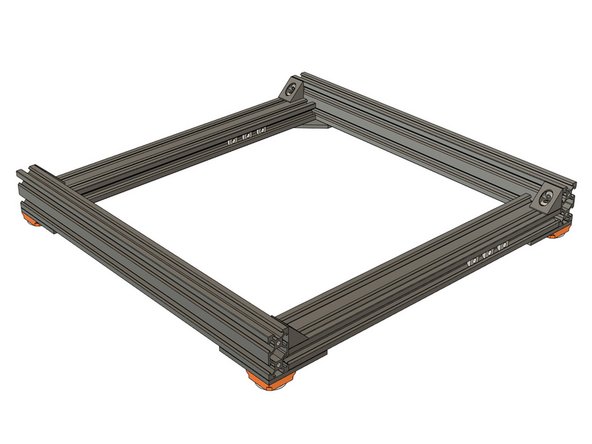
Prepare the following parts:
-
3x 3D printed feet (foot.stl)
-
3x M5x12 screws
-
3x t-nuts
-